

Key Takeaways
- An HR firm EA owns four primary categories: calendar and scheduling, client communication and follow-up, document preparation and formatting, and CRM and HRIS admin.
- Client meeting scheduling, onboarding coordination, follow-up emails, and retainer check-in messages all transfer once scope and communication boundaries are documented.
- Document production tasks including benefits summary formatting, onboarding packet assembly, and meeting recap write-ups belong to the EA, not the firm owner.
- CRM updates, HRIS data entry, basic report generation, and file organization transfer to the EA as admin layer tasks that require no professional judgment.
- Compliance guidance, employment advice, sensitive client conversations, and strategic planning stay with the firm owner regardless of EA scope.
An executive assistant at an HR firm typically owns four categories: scheduling and calendar management, client communication and follow-up, document preparation and formatting, and CRM and HRIS admin. The firm owner keeps all compliance guidance, client judgment, and strategic conversations. Everything else is on the delegate list, and it is longer than most HR firm owners expect. For a broader list of tasks to delegate to an EA across service business types, that reference covers the full inventory.
Calendar and scheduling tasks an HR firm EA handles
Scheduling is the highest-frequency admin task in an HR firm. With multiple retainer clients and irregular meeting cadences, the calendar management burden accumulates fast.
Client meeting scheduling across multiple retainer accounts
Your EA manages the full scheduling loop across all active client relationships: sending meeting invites, handling reschedule requests, confirming attendance, and maintaining a calendar that reflects your actual availability. For retainer clients with recurring check-in cadences, the EA owns the standing invite management, including adjustments when client-side contacts change.
Preparing your EA to handle client scheduling independently requires a documented handoff. ProAssisting’s guidance on task handoff documentation for EAs notes that turning each task into a defined sequence of steps is what makes the transfer stick. Calendar management is the best place to start because the process is repeatable and the feedback loop is immediate.
Internal team coordination and recurring check-in management
Beyond client scheduling, your EA handles internal coordination: team check-in scheduling, staff meeting management, and deadline reminders for internal milestones. For HR firms with two or more staff, this is a meaningful category of overhead that currently lands on you by default.
Deadline tracking and reminder systems for engagement milestones
Every active engagement has milestones: contract renewal dates, deliverable deadlines, document submission windows, and compliance filing reminders where applicable. Your EA maintains the tracking system and sends reminders to the right contacts at the right time. You receive a summary, not a task list.
Client communication tasks that transfer to an EA
Client-facing communication at an HR firm is high-volume and largely repetitive. The coordination layer transfers cleanly once scope is defined.
Follow-up emails after calls: next steps, document requests, recap summaries
After each client call, your EA drafts and sends the follow-up email using the format you define: what was discussed, what was agreed, what the client needs to send before the next session. You review the format once during setup. The EA sends without your involvement for standard coordination emails. Anything involving professional advice or judgment queues for your input before it goes out.
The guide on building trust with a remote EA covers how to set the communication scope in the first two weeks so your EA operates within the right boundaries from the start.
Onboarding coordination: welcome materials, access setup, kickoff scheduling
New client onboarding follows a repeatable sequence: send the welcome packet, confirm portal access, schedule the kickoff call, collect the intake documents. Your EA owns the entire coordination sequence. You deliver the advisory content at the kickoff call. The logistics before it are handled.
Check-in messages for long-term retainer clients between formal touchpoints
Long-term retainer relationships benefit from light-touch communication between formal sessions. Your EA sends periodic check-in messages on your behalf: confirming upcoming calls, following up on outstanding items, and keeping the communication thread active. These are relationship maintenance messages, not advisory ones. They transfer cleanly.
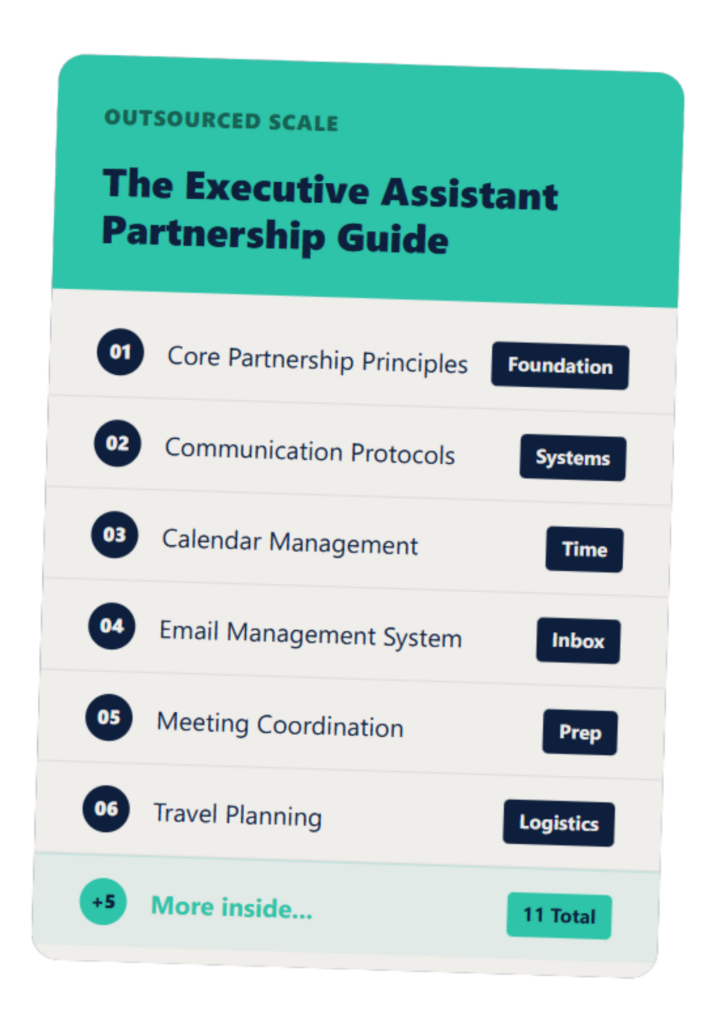
The Executive Assistant Guide
A customizable EA system that helps you and your assistant work smarter—not harder.
Document preparation tasks an EA can own
HR firms generate significant documentation: benefits summaries, onboarding packets, meeting recaps, and report formatting. None of this requires the firm owner’s expertise to prepare.
Benefits summary formatting and template population
Benefits summaries and comparison documents follow a consistent structure. Your EA takes the data you provide and populates the template, applies your firm’s formatting standards, and produces the client-ready version. You review the substance. The EA handles production.
Onboarding packet assembly: checklists, access guides, policy documents
New client onboarding packets involve assembling multiple documents into a single organized package. Your EA manages the assembly: pulling the relevant templates, populating the client-specific fields, organizing the final packet, and sending it to the right contacts. The content decisions are yours. The production is the EA’s.
Meeting recap write-ups based on the firm owner’s post-call notes
After each client call, you leave a brief voice memo or bullet-point summary of what was covered. Your EA turns this into a formatted meeting recap for internal records or client distribution. You spend two minutes after the call. The EA spends twenty producing the document. The math is straightforward.
CRM and HRIS admin tasks that belong to the EA
The admin layer of your CRM and HRIS is not the same as the decisions made inside it. Your EA owns data entry, updates, and report pulls, not system governance.
CRM updates after client interactions: logging notes, updating stages
After every client interaction, your CRM record needs updating: call date, key outcomes, next steps, and engagement stage. Your EA handles this after every interaction using the notes you provide. Your CRM stays current across all active relationships without a weekly catch-up session.
The full breakdown of EA skills for HR payroll and HRIS covers the platforms and task categories involved in HR firm support, including the CRM and HRIS tools most commonly used.
HRIS data entry and basic report generation, admin layer only
Where your firm supports clients on HRIS administration, the admin layer transfers to your EA. Data entry, basic report generation, and file maintenance within defined access parameters are all EA-appropriate tasks. Your EA does not make configuration decisions, manage permissions, or access data outside the scope you define.
File organization and records management across client folders
Client file organization is ongoing work that rarely gets done consistently when it falls on the firm owner. Your EA maintains folder structures, organizes documents as they arrive, and keeps your file system current across all active client relationships.
What stays with the HR firm owner: the keep list
The keep list is short relative to the delegate list. What fills an HR firm owner’s week is mostly coordination, not the judgment work that actually requires your credential.
All compliance guidance, legal interpretations, and employment advice
Every conversation involving professional judgment about compliance, employment law, or HR policy stays with you. Your EA does not interpret regulations, does not advise clients on employment decisions, and does not draft communications that carry advisory weight. The boundary is clear and it holds.
The HR outsourcing vs PEO responsibility matrix is a useful reference for understanding where your firm’s professional responsibility sits in the broader service ecosystem around each client. The EA job description template gives you a starting framework for codifying the scope boundary in writing before your EA starts.
Sensitive client conversations involving employee disputes or investigations
Employment disputes, performance management conversations, investigation coordination, and termination processes stay with you. Your EA has no visibility into these matters and no access to the files or records involved. The access protocol you establish from day one keeps this boundary intact without requiring ongoing supervision.
Strategic planning sessions and new service scope discussions
Execviva’s research on what EAs handle across coordination and document work confirms that EAs own the operational and administrative layer, not the strategic one. New service scope discussions, firm growth planning, and client relationship strategy stay with you. Your EA frees the time those conversations require by keeping the coordination layer off your plate.
FAQs About EA’s Tasks at HR Firms
Can an offshore EA at an HR firm communicate directly with clients?
Yes, for administrative coordination. Scheduling, document requests, and follow-up emails all transfer, while conversations involving HR advice or sensitive employment matters stay with the firm owner.
Does the EA need HR industry experience?
Some familiarity with HR workflows is helpful but not required. An EA who understands scheduling tools, CRM platforms, and document management can handle the coordination layer without prior HR experience.
What tools does an HR firm EA need to work in?
At minimum: Google Workspace or Outlook, a CRM such as HubSpot or Salesforce, and whatever HRIS the firm uses for client document storage. The EA works in your existing tools.
How do I set the scope for what the EA handles at my HR firm?
Start with a written scope document covering three things: which tasks the EA owns, how client communications are structured, and what requires your sign-off before sending.
What is not on the delegate list for an HR firm EA?
Compliance guidance, employment law interpretation, sensitive client communications, and strategic advisory conversations stay with you; everything else, including coordination, documentation, and admin, can transfer.
If the task list above maps to what is sitting on your plate, the timing is right. Book a 20-minute conversation and we will confirm scope before any commitment.