

Key Takeaways
- An offshore EA handles the full coordination layer across all HR firm owner’s admin tasks.
- HR firm owners spend 8 to 12 hours per week on scheduling, document prep, CRM updates, and client follow-up that requires no professional HR judgment to execute.
- Post-call documentation, CRM logging, and report formatting transfer to the EA mid-week, keeping focus blocks available for client advisory work.
- All direct client advice, compliance guidance, employment decisions, and sensitive HR communications stay entirely with the firm owner.
- Most HR firm owners reach independent EA operation on core recurring tasks within two to three weeks of completing initial access and workflow setup.
Running an HR firm means carrying two jobs at once. You are the practitioner delivering client work and the operator keeping the business running. Scheduling, client follow-up, document prep, CRM management, and internal coordination together account for 8-12 hours of your week, and none of it requires your HR expertise to execute. An offshore EA takes the operational layer off your plate so the advisory work gets your full attention.
What takes up an HR firm owner’s week before delegating to an EA
Before looking at what changes, it helps to name what is actually consuming time. The culprit is not the client work. It is everything surrounding it, plus the internal business operations that sit on top.
Client scheduling and calendar coordination across multiple retainer relationships
Retainer-based HR work generates scheduling overhead that compounds with each client relationship added. You are coordinating with HR directors, department heads, and occasionally C-suite contacts across multiple organizations. Rescheduling, confirming, and managing that calendar across several clients is not advisory work. It is logistics work that lands on you because there is no one else to catch it.
Hammerjack’s research on administrative time lost by business owners puts the total at more than 300 hours per year. For HR firm owners managing both client coordination and internal firm operations, that figure reflects two distinct categories of overhead running simultaneously.
Document prep: onboarding packets, meeting summaries, follow-up emails
The documentation tail on client work is heavier for HR firm owners than for solo consultants because it feeds both the client relationship and internal records. After each client call, meeting notes need writing up, follow-up emails need sending, and onboarding materials for new engagements need assembling. Simultaneously, internal documents, staff briefings, and firm-level records need updating. None of this requires professional judgment. All of it takes time.
CRM and project management updates that follow every client interaction
Your CRM or project management tool covers two functions in a firm: client relationship tracking and internal workflow management. Both need updating after every significant interaction. Client records need current status. Internal task lists need updated assignments. Across a full week of client calls and internal meetings, this is an hour or more of record-keeping that adds no advisory value to the work.
Monday and Tuesday: what the EA handles from the start of the week
The first two days of the week are where scheduling and client prep accumulate. With an EA in place, these are handled before you start your first client call.
EA prepares the week’s client calendar and confirms appointments
Before your Monday starts, your EA has reviewed the week’s calendar across all active client relationships, sent confirmation messages to each contact, and flagged any gaps or reschedule requests that came in over the weekend. You open Monday with a calendar you can trust and a short priority list of anything that needs your input.
The guide on building trust with a remote EA covers the setup practices that move an EA from access to independent operation within the first two to three weeks. The complete transfer list across scheduling, communications, and operations is covered in tasks to delegate to an EA.
Client-facing follow-up emails drafted and sent without firm owner involvement
After each client call, your EA drafts and sends the follow-up email: what was discussed, what was agreed, what the client needs to provide before the next session. You define the format once. The EA sends without your involvement unless the content requires your professional input. Coordination emails transfer. Anything involving advice, policy interpretation, or employment judgment stays with you.
Pending document requests reviewed and chased by the EA
Every active engagement has outstanding document requests at any given time. Your EA tracks these across all client relationships and sends reminders on the schedule you define. You see the status in your daily summary. You do not send the chaser or monitor the follow-up queue manually.
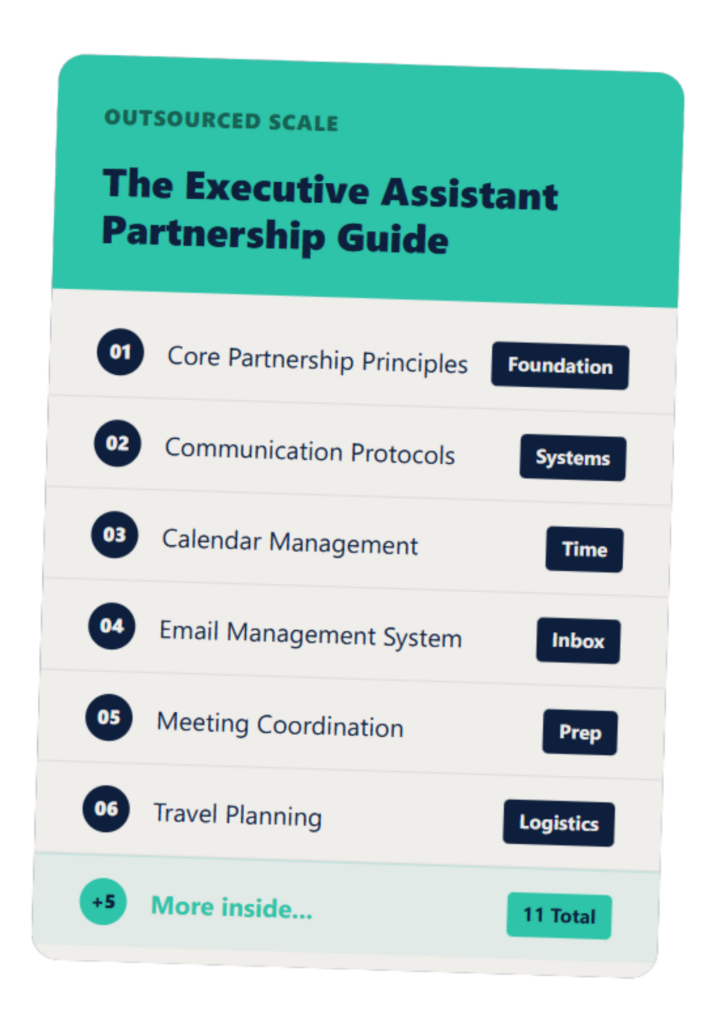
The Executive Assistant Guide
A customizable EA system that helps you and your assistant work smarter—not harder.
Mid-week: coordination tasks that would otherwise interrupt client work
Wednesday and Thursday are where coordination typically breaks your focus. Post-call documentation, CRM updates, and internal firm operations all compete for attention during the hours you need for client work.
Post-call: EA logs meeting notes and next steps into CRM
After each client call, your EA logs outcomes and agreed next steps into your CRM. If your firm uses a shared note format, the EA populates it from your call notes or a brief summary you leave. Your client records stay current across all active relationships without a weekly catch-up session.
Staff Domain’s research on offshore executive assistant capacity notes that offshore EAs can save up to 60% compared to a local executive admin salary, with capacity expansion cited as the primary benefit above cost savings. For HR firm owners running client work and internal operations simultaneously, CRM maintenance and post-call documentation is where that recovered capacity is felt first.
HR document prep: formatting reports, updating onboarding materials
Your firm’s recurring client documents follow a structure: standard report formats, onboarding packet sequences, policy template frameworks. Once those are documented, your EA owns the formatting and assembly layer. You provide the content and the professional judgment behind it. The EA produces the document in the format your clients receive. The guide on EA skills for HR payroll and HRIS covers the task categories and tools involved in HR and payroll-adjacent practice support.
Benefits and HRIS coordination: the admin layer, not the decisions
HR firm owners who support clients on benefits administration or HRIS implementation carry a coordination layer beneath the advisory work. Vendor contact management, scheduling with benefits providers, document routing between client HR teams and external platforms: this is administrative work that happens to sit in an HR context. It transfers to your EA with a clear access protocol in place. The professional decisions around benefits design or HRIS configuration stay entirely with you.
What tasks stays with the HR firm owner and why
The delegation boundary is what makes this work. Understanding exactly what stays with you is as important as knowing what transfers.
All direct client advice, recommendations, and compliance guidance
Every conversation involving professional judgment stays with you. Employee relations guidance, policy recommendations, compliance interpretation, workforce planning, and organizational design advice: none of this transfers. Your EA manages the logistics of those conversations. The content of them is yours.
HR firm owners carry professional responsibility that extends beyond individual engagements. The HR outsourcing vs PEO vs payroll provider responsibility matrix is a useful reference for understanding where your firm’s accountability sits relative to other service providers in your clients’ HR ecosystems. The guide on how to manage an offshore EA covers how to structure oversight once the delegation boundary is defined.
Sensitive communications involving employment decisions or disputes
Employment decisions, performance management conversations, termination coordination, and dispute handling stay entirely with you. These communications carry professional and sometimes legal weight. Your EA does not draft these messages, does not have visibility into the underlying case, and does not have access to the confidential records involved. The access protocols governing your EA’s tools are designed to prevent this from the start.
Strategic planning that requires the firm owner’s judgment and expertise
Workforce planning, organizational design, change management guidance, long-term HR strategy, and firm growth planning all require the depth of understanding that comes from years of practice and the client relationship itself. These conversations are yours. Your EA’s role is to ensure they happen on schedule, with the right materials prepared, without administrative friction taking time away from the thinking.
FAQs About HR Firm Owners Hiring an EA
Can an offshore EA handle HR client communications directly?
Yes, for the coordination layer. Scheduling, document requests, meeting confirmations, and follow-up messages all transfer cleanly, while conversations involving advice, employment decisions, or sensitive HR matters stay with the firm owner.
Is client data safe when an offshore EA is involved?
Safety is a function of access protocols, not location. The EA receives access to scheduling tools, email templates, and CRM, not to confidential HR records or system-level employee data.
How long does it take an EA to learn an HR firm’s client base?
Familiarity with recurring client relationships typically develops within two to three weeks; by week three the EA is handling client coordination independently for established relationships.
Can the EA attend client calls or meetings?
This depends on the scope you define. Some HR firm owners have the EA join calls to take notes, while others keep the EA entirely behind the scenes.
What is the total time an HR firm owner typically reclaims with an EA?
Research suggests business owners lose 8-12 hours per week to recurring admin; for HR firm owners with multiple retainer clients, this represents 10-15% of total weekly working hours.
If you can see your week in this breakdown, the next step is a conversation about which tasks move first. Book 20 minutes here and we will map your specific workflow, including whether hiring an EA is worth it for your current client load and firm size.