

Key Takeaways
- A CPA firm owner with an offshore EA in place starts Monday with a triaged inbox, confirmed calendar, and priority summary ready before the first billable call.
- The EA owns client document follow-up, meeting prep briefs, and CRM updates across all active engagements without requiring owner involvement during the week.
- Every Friday the EA delivers a structured summary covering what was handled, what is pending, and what needs the owner’s input before the following week.
- Scheduling and inbox triage transfer in week two, with CRM and document management following in weeks three and four of a standard 30-day ramp.
- Advisory conversations, compliance decisions, and client-facing professional judgment stay with the CPA throughout.
A CPA firm owner’s week with an offshore EA in place looks different in one specific way: the coordination and admin layer runs without your involvement. Your inbox is triaged, your calendar is managed, client documents are chased, and your CRM is updated before your first billable call of the day. This breakdown shows exactly how that week runs, day by day.
What a CPA firm owner’s week looks like before an EA
Before mapping the after, the before matters. The first 60-90 minutes of your workday likely have nothing to do with accounting.
Monday: starting the week with inbox catch-up and scheduling
Your Monday morning starts in your inbox. Emails from Friday afternoon and over the weekend are waiting, a mix of client questions, document follow-ups, and scheduling requests. By the time you have read, sorted, and responded to the ones that need a reply, 45 minutes are gone. Then your calendar has a gap because a client rescheduled Friday and nobody confirmed a new time. You handle it. Another 20 minutes.
You have not opened a client file yet.
Mid-week: client document chasing interrupting billable work
By Tuesday and Wednesday, you are in the middle of client work when the coordination layer starts pulling at you. A client has not sent their prior-year return. Another one needs a portal reminder. A third has a question about their meeting prep that someone needs to answer before Thursday’s call. Each interruption is short. The total is not.
Friday: admin overflow carrying into the weekend
Friday afternoons in a CPA firm have a pattern. The week’s loose ends surface: follow-up emails that were not sent, CRM records that were not updated, next week’s calls that were not confirmed. The choice is between handling it now or carrying it into Monday. Neither option is good.
Monday with an offshore EA: what changes from the first day of the week
By the time you start your first billable call on Monday, your EA has already triaged your inbox, confirmed the week’s appointments, and flagged anything that needs your attention.
7-8 AM: EA triages inbox and prepares a priority summary
While you are having coffee, your EA is in your inbox. Working in Google Workspace or whichever email platform your firm uses, they sort overnight and weekend messages into three categories: requires your response, handled by EA, and no action needed. You receive a short priority summary before 8 AM. You read two paragraphs instead of 47 emails.
8-9 AM: EA confirms or reschedules the week’s client calls
Your EA works through the week’s calendar in Calendly or your scheduling tool of choice. Any unconfirmed appointments get a confirmation sent. Any gaps from last-minute reschedules get filled or flagged. By 9 AM, your week’s calendar is set and you know exactly what is coming.
9 AM onward: owner starts Monday with a cleared inbox and confirmed calendar
Your first billable call starts on time with no outstanding inbox decisions hanging over it. Your EA has already drafted responses to the coordination emails that do not require your professional input. You review, approve, or adjust in five minutes. The advisory emails are queued for you with context already pulled.
Understanding tasks CPAs should never delegate matters here because knowing the boundary is what makes the delegation clean. Your EA handles the coordination layer. The professional judgment stays with you.
Tuesday through Thursday: what mid-week looks like with admin handled
The middle of the week is where CPA owners typically lose the most time. Client document requests, follow-up emails, and report prep all interrupt focus blocks.
EA owns client document follow-up across all active engagements
Your EA tracks the document status across all active client engagements in your CRM, whether that is HubSpot, GoHighLevel, or a spreadsheet. When a client has not sent their prior-year return or signed engagement letter by the agreed date, your EA sends the follow-up. You see the status in your daily summary. You do not send the reminder.
For tax season specifically, the volume of document follow-up is higher and the timing is tighter. The breakdown of tasks to delegate to an EA during tax season covers what transfers cleanly under that pressure. The skills involved in managing CPA firm coordination across multiple active clients are covered in the guide on what skills a CPA firm EA needs.
Meeting prep is completed before each call: notes, context, materials
Before each client call, your EA prepares a short brief: who the client is, what the last call covered, what documents are outstanding, and what the agenda for this call should be. You open the meeting with everything in front of you. No five-minute scramble before the call.
CRM is updated after each call without your involvement
After each client call, your EA updates the CRM record with the call date, key outcomes, and any follow-up actions you flagged. GoHighLevel or HubSpot stays current without you touching it. Your client history is accurate and accessible without a weekly CRM catch-up session.
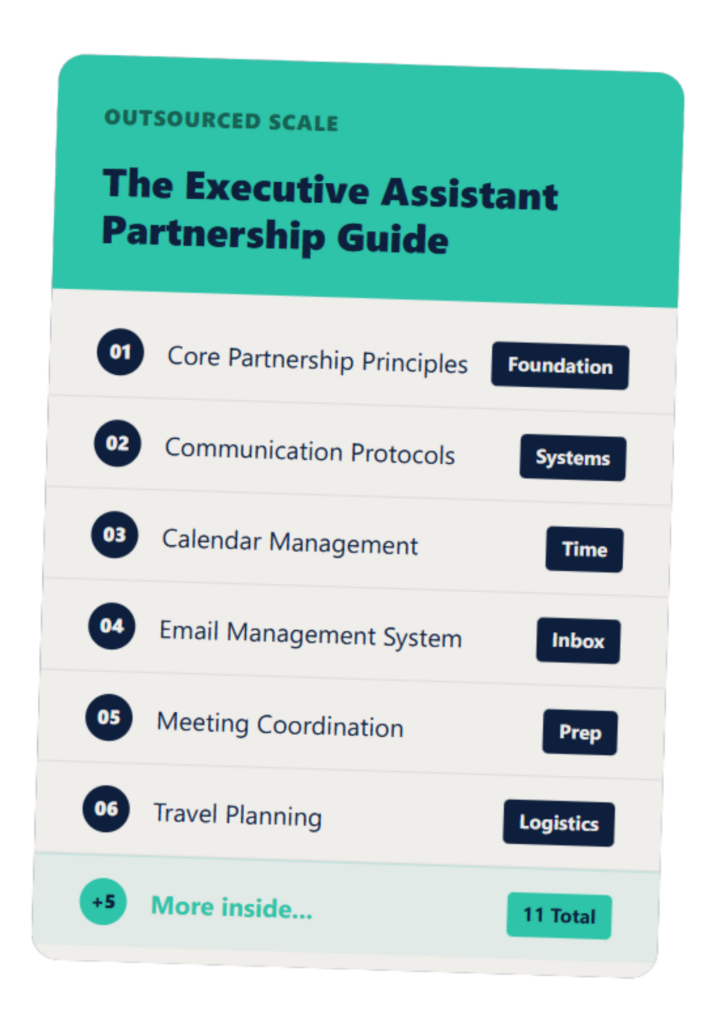
The Executive Assistant Guide
A customizable EA system that helps you and your assistant work smarter—not harder.
Friday: the weekly wrap and what you receive
On Friday afternoon, your EA sends a weekly summary: what was handled, what is pending, and what needs your attention the following week.
The Friday summary format: handled, pending, needs owner input
The summary is structured in three sections. Handled covers everything your EA resolved during the week without your involvement: confirmations sent, documents received, CRM updated, follow-ups completed. Pending covers items still in progress: documents not yet received, calls not yet confirmed, responses awaited. Needs owner input flags the two or three items that genuinely require your professional judgment or a decision only you can make.
You read it in ten minutes and go into the weekend knowing exactly where every active engagement stands. For context on what an offshore EA costs for a CPA firm, the Friday summary alone represents a category of weekly output that most CPA owners currently absorb invisibly.
How the EA prepares the following week’s calendar before the weekend
Before end of day Friday, your EA confirms Monday’s appointments, clears any scheduling gaps for the following week, and queues the meeting prep briefs for Monday and Tuesday’s calls. Your Monday morning starts with a calendar that is already set and a priority summary that is already drafted.
What you do with the hours the EA freed up
The hours vary by firm, but the pattern is consistent. Time that was going to inbox management, document follow-up, and calendar coordination moves to client work, business development, or simply finishing the day at a reasonable hour. The choice is yours. The hours exist where they did not before.
What the first 30 days looks like before this week runs itself
The week described above does not exist from day one. It builds over the first 30 days as your EA learns your firm’s workflows.
Week 1: observation and access, EA learns the tools and processes
In the first week, your EA gets access to your tools: email, calendar, CRM, and client portal if applicable. They shadow your existing workflows, ask clarifying questions, and document how things currently run. No tasks transfer yet. The goal is understanding before execution. Execuhub’s onboarding research on structured 30-60-90 day offshore onboarding confirms that a clear ramp plan is what separates offshore hires who struggle from those who deliver consistently.
Week 2: first tasks handed off, scheduling and inbox triage
In the second week, scheduling and inbox triage transfer. These are the highest-volume, lowest-risk tasks to start with. Your EA begins sending meeting confirmations, managing reschedule requests, and sorting your inbox into the priority summary format. You give feedback daily, usually in five minutes or less. The guide on onboarding an EA at a CPA firm during tax season covers the specific sequence for firms onboarding under time pressure.
Outsource Access’s onboarding guidance notes that daily standups or weekly one-on-ones in the first 30 days help an EA address questions quickly and get to independent operation faster. Brief daily check-ins in week two keep the feedback loop tight without adding meeting overhead.
Weeks 3-4: scope expands to CRM and document management
In weeks three and four, your EA takes on CRM updates and client document follow-up. By the end of week four, the core admin loop is running: inbox triaged, calendar managed, documents chased, CRM updated. The Friday summary starts in week three as a way to make the handoff visible and catch anything that needs adjustment.
FAQs About CPA Firm Owner’s Week With an Offshore EA
How long does it take for an offshore EA to run a CPA firm’s admin independently?
Scheduling and inbox triage typically transfer in the first two weeks; CRM and document management follow in weeks three and four, with full independent operation of core recurring tasks reached within 30-60 days for most EAs.
Does the EA work during US business hours?
Yes. EAs placed through Outsourced Scale work a US-aligned shift, typically US Eastern or Central time, so same-day responsiveness is standard.
Can the EA communicate directly with CPA firm clients?
Yes, for scheduling and administrative coordination. The EA sends meeting confirmations, follow-up emails, and document requests, while advisory and billing conversations stay with the CPA.
What tools does a CPA firm EA need access to?
At minimum: email, calendar, and CRM. Many CPA firms also add the client portal for document request management, and your EA works in your existing tools.
What happens if the EA is sick or unavailable?
Managed providers handle coverage. With Outsourced Scale, continuity is part of the service, not a logistics problem you have to solve.
If reading this week made you think “that could work for my firm,” the next step is a 20-minute conversation. Book at the link here and we will map what your first week actually looks like.