

Key Takeaways
- Payroll admin accumulates before, during, and after every cycle in a predictable sequence of reminders, document requests, follow-up emails, and delivery confirmations.
- An offshore EA owns the full coordination layer around each payroll cycle while calculations, compliance decisions, and professional judgment stay with the operator.
- Cycle-based work is among the most delegable in any service firm because every task repeats on a known schedule with documented steps and predictable outputs.
- In week one the EA observes and maps the cycle; by week two client reminders and follow-up run independently without operator involvement.
- Recovered hours convert directly to client relationship development, internal process improvement, or capacity for adjacent services like HR compliance and payroll analytics.
The first 30 days with an offshore EA is lighter than most new clients expect. Week one is access and observation. Week two is the first task set. By week four, core recurring workflows run independently. What you need to provide: access to your tools, one to two hours in week one, and a feedback loop. Everything else is handled.
Why people overestimate how much the first 30 days requires from them
The assumption is that onboarding will take weeks of documentation, training from scratch, and checking all work. In a managed model, that is not how it works.
Where the “training takes forever” assumption comes from: unmanaged VA experiences
The assumption usually comes from someone who has hired a freelance VA before and spent three weeks writing SOPs, recording Loom videos, and still fielding questions daily. That experience is real. It is also a function of the hiring model, not offshore work itself. When you source, vet, and onboard a VA independently, the setup work falls entirely on you. A managed provider takes most of that off your plate before you are involved.
The guide on first-time EA hire mistakes to avoid covers the specific patterns that make first hires harder than they need to be, most of which stem from the unmanaged model rather than EA work itself.
What a managed offshore provider handles before the client is involved
Before your EA starts week one, a managed provider has already handled recruiting, vetting, skills assessment, and initial orientation. The EA arrives knowing how to use standard tools, how to structure their day, and what professional communication looks like in a US business context. You are not building from zero. You are calibrating someone who is already operational.
Why the first 30 days is lighter than self-managed hiring
Gallup’s research on onboarding experiences across organizations found that only 12% of employees strongly agree their organization does a good job onboarding new people. The gap between a poor and a strong onboarding is structure, not effort. A managed offshore provider supplies the structure. Your role in week one is orientation, not construction.
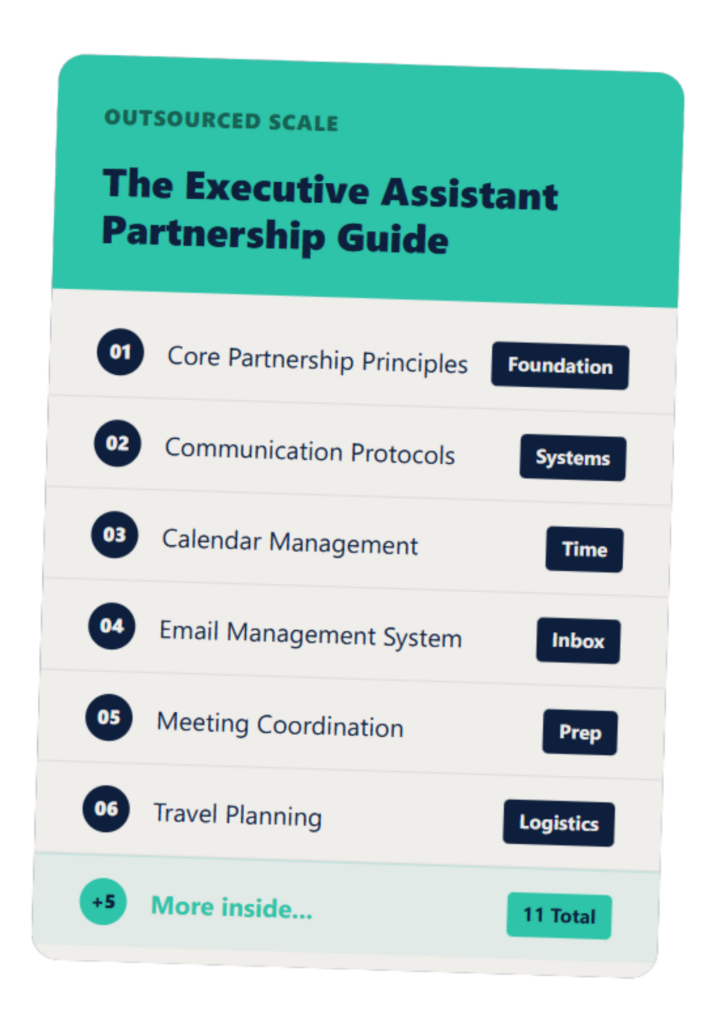
The Executive Assistant Guide
A customizable EA system that helps you and your assistant work smarter—not harder.
Week 1: access, observation, and the first conversation
Week one has one goal: give your EA access to your tools and let them observe how things currently run. No documentation required yet.
What access to set up: email, calendar, and any scheduling tools
The week-one access list is short. Your EA needs access to your email platform, your calendar tool, and any scheduling software you use for client appointments. For most CPA, HR, and payroll firm owners this means Google Workspace or Outlook, and Calendly or a similar tool. If you use a CRM for client coordination, read-only or limited access can be added in week one so the EA can observe how you currently use it.
Set up takes thirty to sixty minutes. You do not need to document anything before it happens. The EA observes first and asks clarifying questions during the kickoff call.
The kickoff call: 30-60 minutes to walk through your week and preferences
The kickoff call is the most important hour of the first 30 days. You walk the EA through a typical week: which tasks recur, which clients need the most coordination attention, how you prefer to communicate, and what the first task handoff will be. The EA asks questions. You answer them. By the end of the call, both sides know what week two looks like.
You do not need to prepare materials for this call. Your answers to “what does your week look like” and “what do you wish you were not doing” are enough to run it.
What the EA does during week one while you work normally
While you run your week normally, your EA observes the inbox, reviews calendar patterns, reads through your existing email templates if you have them, and starts building familiarity with your client list and communication style. They do not send anything or take any action. Week one output is a short summary of what they observed and a proposed task list for week two. You review it and adjust before anything starts.
Week 2: the first task handoff: small scope, clear outcomes
Week two is when your EA starts doing work. The starting scope is deliberately narrow: one or two recurring tasks with clear inputs and outputs.
Which tasks to hand off first: scheduling and inbox triage are standard starting points
Scheduling is the standard week-two starting point because the process is clear, the output is verifiable, and mistakes are visible and recoverable before they cause real problems. Inbox triage follows the same pattern. Your EA sorts incoming messages into categories you define, drafts responses to the routine ones, and queues anything requiring your judgment. You spend ten minutes reviewing the queue instead of forty minutes processing the full inbox.
The guide on building trust with a remote EA covers the specific setup practices that make the week-two handoff clean. The guide on how to give feedback to an offshore EA covers the feedback format that calibrates your EA to your preferences without turning correction into a daily management task.
The daily check-in format that keeps week two on track
In week two, a five-to-ten-minute daily check-in keeps things calibrated. The format is simple: what did the EA complete, what is pending, and are there any questions. You answer the questions, flag any output that needs adjustment, and confirm the next day’s priorities. The check-in is not a meeting. It is a short async message or a two-minute call, whichever works for your schedule.
What to review: outputs, not process: is the result what you needed?
In week two, resist the urge to correct how the EA does things unless the output is wrong. If the scheduling confirmation email reads slightly differently than you would have written it but the appointment is confirmed and the client is happy, that is a pass. Save corrections for outputs that miss the mark. Your feedback sharpens the EA’s calibration faster than process notes.
Weeks 3 and 4: independent operation and scope expansion
By week three your EA is handling the initial task set without your input. Week four is the scope review: what is working, what is ready to expand, and what needs adjustment.
What independent operation looks like for scheduling and inbox work
Independent operation means your EA runs the scheduling and inbox triage cycle without prompting. You receive a daily summary, not a queue of tasks waiting for your approval. Errors have dropped from the week-two rate. The communication templates are calibrated to your voice. You are spending five minutes reviewing output instead of forty minutes doing the work.
Konnect’s research on structured offshore onboarding found that a clear week-by-week ramp leads to significantly faster time to independent operation compared to ad-hoc approaches. The structure is not for the EA’s benefit alone. It reduces the time you spend on oversight.
How to expand scope in week four without adding friction
Week four scope expansion follows the same pattern as week two: one or two new tasks with clear inputs and outputs. CRM updates, document follow-up sequences, and meeting prep are common week-four additions for CPA, HR, and payroll firm owners. Each addition runs through the same review cycle: output check at day three, adjust if needed, independent by day seven.
The EA 30-60-90 day onboarding plan covers the full ramp beyond week four for clients who want to map the expansion in advance. The EA weekly check-in template replaces the daily check-in cadence starting in week three.
The check-in cadence that replaces daily standups: weekly, not daily
By week four, the daily check-in is replaced by a weekly summary. Your EA sends a structured update each Friday: what was handled, what is pending, what needs your input the following week. You spend ten minutes reading it and flagging anything that requires a response. The guide on how to manage an offshore EA covers the ongoing management structure beyond the first 30 days.
FAQs About First 30 Days with Offshore EA
How much of my time does onboarding an offshore EA require?
In a managed model, the first week requires one to two hours, primarily a kickoff call and tool access setup; after that the daily check-in is five to ten minutes, and by week three the EA runs independently on core tasks.
Do I need to write SOPs before the EA starts?
No. The EA observes your existing workflow in week one and works with you to document processes as tasks are handed off; documentation happens incrementally, not as a pre-start project.
What if the EA makes a mistake in the first 30 days?
Mistakes in the first two weeks are expected as the EA learns your preferences; the daily check-in exists to catch and correct these quickly, and by week three the error rate drops significantly.
When does the EA reach full productivity?
Core recurring tasks typically reach full independent operation by week three or four; more complex workflows may take six to eight weeks as the EA builds familiarity with your systems.
What happens if the EA is not working out after 30 days?
With a managed provider, replacement is part of the service; if fit is not right after the first month, the provider re-matches without the client restarting the search process.
If you have been waiting until things slow down to start, the first 30 days requires less from you than almost any other business decision. Book 20 minutes here to see what your week-one setup looks like.