

Key Takeaways
- HR firm owners lose 8 to 12 hours weekly to admin tasks that require no professional judgment but consistently pull time from billable client work.
- A one-week audit across six categories covering scheduling, inbox, documents, CRM, formatting, and operations reveals exactly where hours are going.
- At $100 to $150 per hour, reclaiming 8 weekly admin hours covers the cost of a full-time offshore EA at $1,200 to $2,000 per month.
- Scheduling, document requests, follow-up emails, and CRM updates transfer to an EA on day one without documentation or training ramp.
- Advisory conversations, compliance decisions, and sensitive employee communications stay with the HR consultant while the EA handles the coordination layer only.
Research shows business owners lose more than 300 hours per year to administrative work that does not require their expertise. For HR firm owners billing on retainer or day rate, every admin hour is time not spent advising clients or developing the firm. This article gives you a one-week audit framework to find out exactly where your time is going and what to do about it.
How much time HR firm owners spend on admin every week
A Hammerjack survey found that business owners waste more than 300 hours per year on administrative tasks. For HR consultants with multiple retainer clients, this figure is often higher because client coordination is intensive and mostly manual.
The most time-consuming admin categories in an HR consulting practice
HR firm owners face a specific category of admin that is heavier than most service businesses. Client relationships generate recurring coordination overhead: scheduling across multiple stakeholders, document requests before each engagement cycle, follow-up emails after site visits, and status updates that require no professional judgment but still land in your inbox every day.
The categories consuming the most time in a typical HR consulting practice include:
- Client scheduling and rescheduling across retainer accounts, including calendar coordination with HR directors and department heads at client sites.
- Intake and onboarding document management for new engagements, including sending, tracking, and chasing signed agreements and background materials.
- Inbox triage and response drafting for coordination emails that require follow-through but not professional advice.
- CRM and contact record updates after calls, site visits, and project milestones.
- Report formatting and deck preparation for deliverables you authored but do not need to produce.
Why HR firm owners underestimate their admin time
Admin does not appear as a block on your calendar. It appears as a two-minute email reply, a five-minute document search, a ten-minute meeting prep sequence. Each task feels negligible. The total does not. Most HR firm owners tracking their time for the first time find the weekly number sits between 8 and 12 hours, well above what they estimated at the start of the exercise.
The difference between admin that supports clients and admin that just keeps the lights on
Not all admin is equivalent. Client-related admin connects directly to active client relationships: sending the pre-meeting prep packet, following up on a pending policy document, confirming a site visit. Firm-operations admin keeps the business running internally: managing software subscriptions, handling invoicing logistics, updating internal records. Both categories consume your time. Both can move to a trained EA. The distinction matters during the audit because it tells you which category removes the most friction from client relationships when addressed first.
How to run a one-week admin time audit for your HR firm
You cannot fix what you cannot see. A one-week time audit takes 10 minutes a day and produces a clear picture of where hours are actually going.
What to track: the six admin categories that consume HR firm time
Use a simple log, a notes app, or a spreadsheet. Each time you complete a task that does not require your HR expertise to execute, log it with the time spent. The six categories to track:
- Client scheduling and calendar management: Booking, rescheduling, and confirming meetings across all retainer accounts.
- Inbox coordination: Reading and responding to emails that required action but not professional advice.
- Document management: Sending, requesting, tracking, or chasing documents for active engagements.
- CRM and record updates: Logging call notes, updating contact records, and keeping engagement status current.
- Report and deliverable formatting: Turning your analysis into a formatted document or presentation.
- Firm operations: Invoicing logistics, vendor coordination, and software and subscription management.
How to categorize each task: client-related admin vs. firm-operations admin
As you log each task, mark it as client-related or firm-operations. Client-related admin directly supports an active client relationship, even if no professional judgment is involved. Firm-operations admin keeps the business running internally. At the end of the week, total each category separately. This split tells you where an EA adds the most immediate value and which client relationships carry the highest coordination overhead.
What to do with the results: the decision framework that follows
At the end of the week, add up total admin hours across both categories and apply your effective hourly rate. If the weekly cost exceeds $500 and the tasks are repeatable, the case for an EA is already closed. If some tasks follow a process and others do not, the ones with a process are ready to delegate now, and the others need documentation first. Either way, the audit produces a specific number that replaces the vague sense that admin is eating your week.
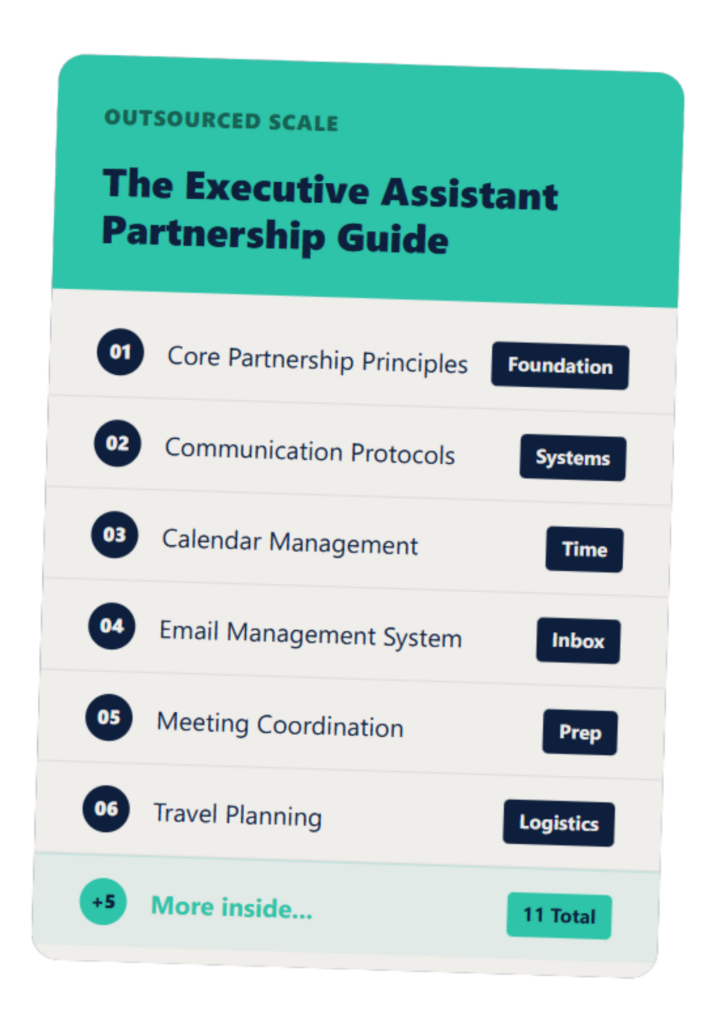
The Executive Assistant Guide
A customizable EA system that helps you and your assistant work smarter—not harder.
What those admin hours are costing your HR firm
Once you have the hours, apply your day rate or effective hourly rate. The result is not a time problem. It is a revenue and capacity problem.
Calculating the capacity cost: how many more clients you could serve
An HR consulting principal billing at $125/hr who spends 8 hours per week on admin is absorbing the equivalent of one full client contact day every week. Over a quarter, that is 13 contact days. For a firm running 8-12 retainer clients, that capacity floor matters. The question is not whether your schedule feels full. It is whether your calendar reflects your highest-value work.
Calculating the revenue cost: what those hours are worth at your rate
| Effective Hourly Rate | 6 hrs/week | 8 hrs/week | 10 hrs/week |
| $75/hr | $450 | $600 | $750 |
| $100/hr | $600 | $800 | $1,000 |
| $125/hr | $750 | $1,000 | $1,250 |
| $150/hr | $900 | $1,200 | $1,500 |
A full-time offshore EA through a managed provider typically costs $1,200-$2,000 per month. At $100/hr, reclaiming 8 admin hours per week covers a $1,500/month EA in full. The offshore vs US EA cost comparison breaks down how the offshore option stays well inside the breakeven math at typical HR consulting rates. Reviewing whether hiring an EA is worth it gives you a decision framework if you want to pressure-test the numbers before committing.
The compounding effect over 12 months
At 8 admin hours per week and a $125/hr rate, the annual capacity cost is $52,000. That is not a projection of what you could earn under perfect conditions. It is a direct measure of what admin-grade tasks are currently consuming at your professional rate. Spread across a year, the number tends to make the timing decision straightforward.
Which admin tasks an HR firm owner can hand off without risk
HR consulting involves sensitive client work. The good news is that most of what consumes an HR firm owner is coordination, not judgment.
Tasks that move to an EA immediately: scheduling, follow-up, document requests
These transfer on day one because they require access to your tools and an understanding of your preferences, not your HR credential. The full breakdown of tasks to delegate to an EA covers the complete transfer list across scheduling, communications, and operations. For an HR firm specifically, the immediate-transfer category includes:
- Scheduling retainer check-ins, project kickoffs, and site visits across client contacts.
- Sending and tracking document requests for intake, renewals, and mid-engagement deliverables.
- Drafting and sending follow-up emails after calls and meetings.
- CRM updates following client interactions and project milestones.
The detailed breakdown of what an EA handles at an HR firm covers skills and task coverage specific to HR and payroll-adjacent practices.
Tasks that transfer with a short documented process: report formatting, CRM updates
Recurring deliverables follow a pattern. Your standard client report has a consistent structure. Your CRM update workflow follows the same steps after every call. Once documented, these transfer cleanly. A one-time thirty-minute documentation session produces a repeatable process your EA runs without your involvement going forward.
The HR outsourcing vs PEO responsibility matrix is a useful reference if you are also clarifying which functions sit with your firm versus external providers. Once your delegation list is set, the guide on how to manage an offshore EA covers check-in structure and feedback across time zones.
Tasks that stay with you: client advice, sensitive communications, compliance decisions
Advisory conversations, compliance guidance, and sensitive communications about employee relations stay with the HR consultant. An EA handles the coordination layer around those conversations, not the substance of them. A well-structured access protocol keeps the EA inside scheduling tools, email templates, and CRM records, not inside confidential client files or case documentation.
Frequently Asked Questions – HR Admin Tasks Cost
How much time does running an HR firm take away from client work?
Research indicates business owners lose 300 or more hours per year to administrative tasks; for HR consulting principals, this typically translates to 6-10 hours per week pulled from billable client work.
Can an offshore EA handle HR client communications?
Yes, for the coordination layer. Scheduling, document requests, follow-up emails, and CRM updates all transfer cleanly, while advisory conversations stay with the consultant.
Is my client data safe with an offshore assistant?
Safety depends on access protocols, not location. A well-structured arrangement gives the EA access only to scheduling tools, email templates, and CRM, not to confidential client records.
How do I know if my HR firm needs an EA?
If you are spending more than 5 hours per week on tasks that follow a repeatable process, the math typically supports an offshore EA before you finish calculating.
What does an offshore EA for an HR firm cost per month?
Full-time offshore EA support through a managed provider typically costs $1,200-$2,000 per month; for an HR consultant billing $100-$150 per hour, reclaiming 8 admin hours per week covers the cost in full.
Once you run the audit and see the number, the next step is straightforward. Book a 20-minute conversation and we will map which admin tasks move first and what the first 30 days looks like.